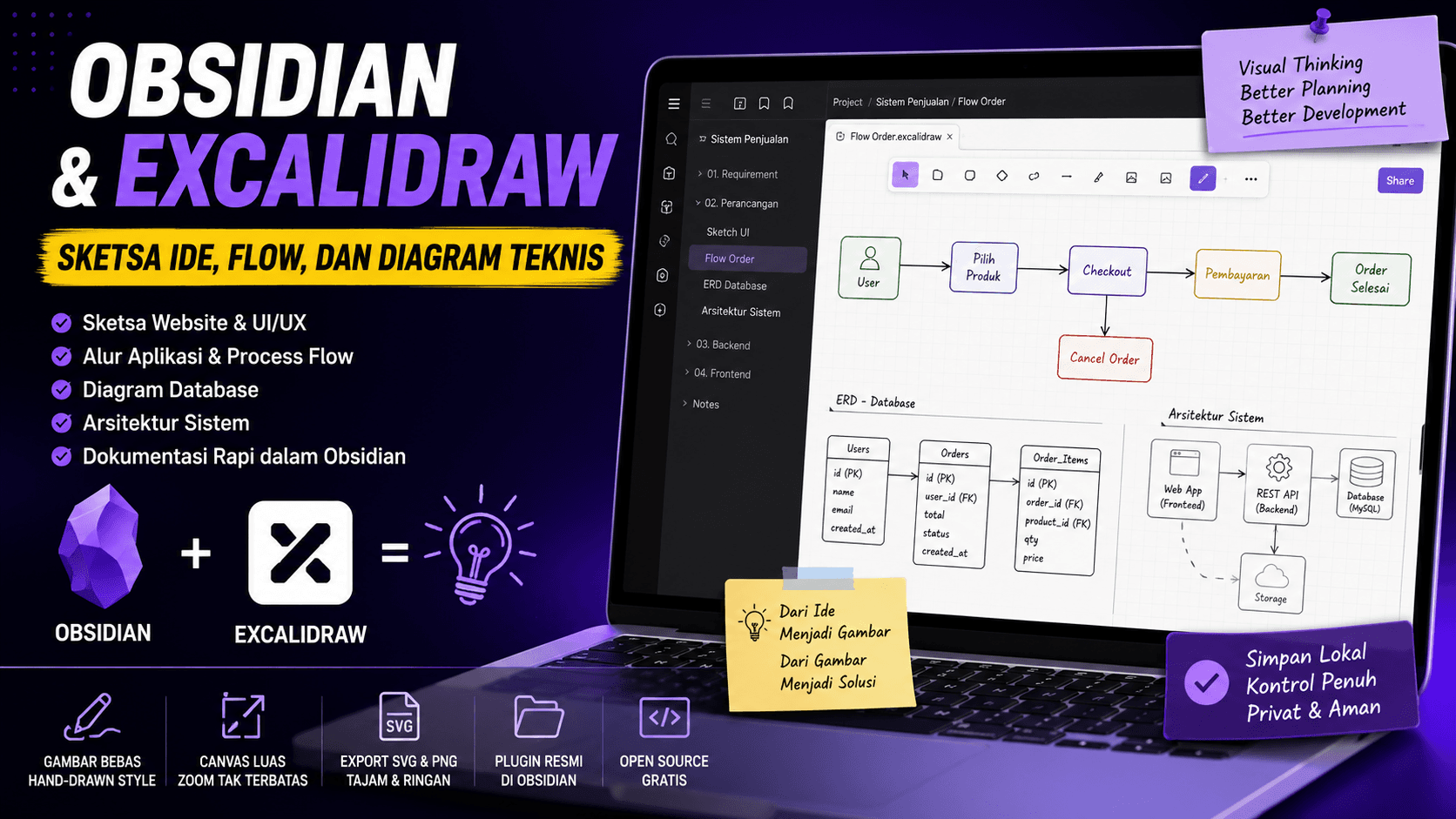
Why Developers Need Visual Sketches
When building a website or application, not every idea needs to go directly into code. Sometimes we need to sketch the idea first so the flow and structure become easier to understand.
Visual sketches can help explain page layouts, application flows, database structures, and feature relationships.
The problem is that many design tools feel too heavy for early-stage planning. This is where Excalidraw becomes useful.
What Is Excalidraw
Excalidraw is a digital canvas for creating hand-drawn style diagrams. It is simple, lightweight, and easy to use.
You can create boxes, lines, arrows, text, and other visual elements without learning a complex design tool.
Excalidraw is useful for:
- website layout sketches
- application logic flows
- simple database diagrams
- API flows
- system architecture
- product or content ideas
Because it works like a canvas, the workspace feels flexible. The drawings also stay clean when zoomed because they use a vector-based approach.
Why Combine It with Obsidian
Obsidian is a local-first note-taking app. When combined with the Excalidraw plugin, you can keep technical notes and visual diagrams in one place.
This is helpful for developers who want cleaner project documentation.
For example, one project folder can contain:
- requirement notes
- application flow diagrams
- UI sketches
- database plans
- API endpoint notes
- development todos
With this workflow, documentation becomes easier to manage.
Example Use Case for a Website Project
Imagine you want to build an admin dashboard page.
Before coding, you can sketch a simple layout:
- sidebar on the left
- header at the top
- statistic cards on the main page
- data table at the bottom
- action buttons for create, update, and delete
Once the layout is clear, the developer can start building the frontend components.
This makes development more focused because the visual direction is already prepared.
Benefits for Backend and Frontend
For frontend work, Excalidraw helps visualize page layouts and user flows.
For backend work, Excalidraw can be used to draw API request flows, database structures, and service relationships.
A simple API flow can look like this:
User Login
-> Frontend sends email and password
-> Backend validates the user
-> Backend creates a token
-> Frontend stores the token
-> User enters the dashboard
This kind of flow is easy for a team to understand before writing deeper technical documentation.
When to Use Excalidraw Plus
The web version of Excalidraw is already useful for quick sketches. But if you need cloud storage, workspace features, and better collaboration, Excalidraw Plus can be considered.
For personal use or local project documentation, Obsidian with the Excalidraw plugin is already a comfortable setup.
It is especially useful if you want your files to stay on your own computer.
Conclusion
Obsidian and Excalidraw are a strong combination for developers who want simple visual documentation.
They are useful for UI sketches, application flows, database diagrams, and system planning before coding starts.
With clearer visuals, discussion and development become faster, cleaner, and easier to understand.